AI Stack Kit editorial team · Published March 19, 2026 · Updated August 11, 2026
Best AI Automation Platforms: 6 Workflow Tools Compared
Make.com fits visual branching and usage modeling, while Zapier fits broad app coverage and quick no-code setup. HubSpot and ActiveCampaign fit customer journeys, n8n fits technical ownership, and Lindy fits assistant-style delegation. The real comparison is not feature count. It is what triggers the workflow, what each run costs, and where a human must approve the result.
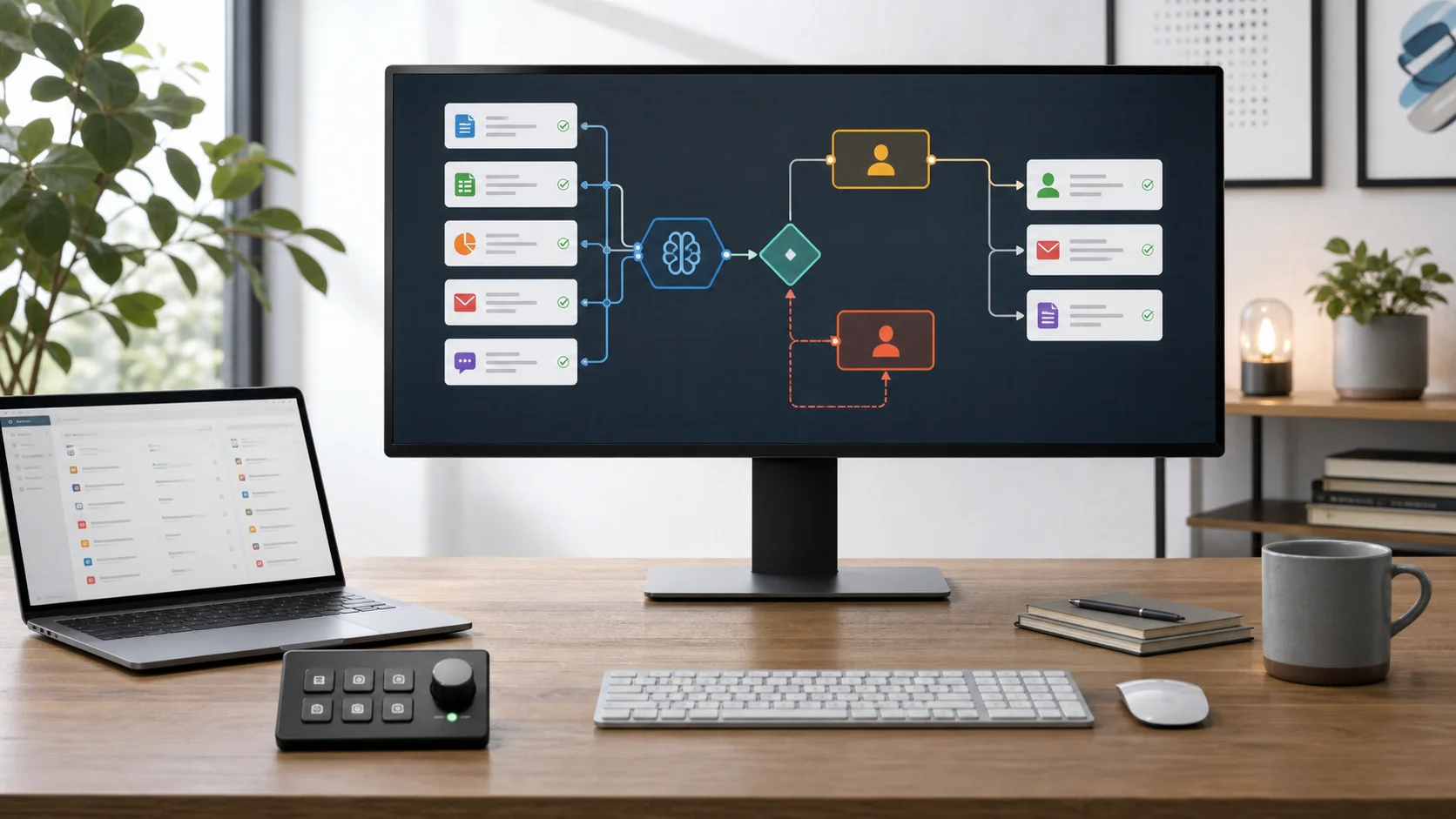
Which AI automation platform is best?
Best visual workflow engine: Make.com
Use it for branching processes, data transformation, error handling, and AI steps on one canvas.
Best app reach: Zapier
Use it when business users need fast setup across 9,000+ apps, Forms, Tables, and MCP actions.
Best customer journey: HubSpot or ActiveCampaign
Choose HubSpot for CRM-centered campaigns or ActiveCampaign for email-first lifecycle automation.
Best technical control: n8n
Choose it for code, APIs, execution-based pricing, and a Community Edition self-hosting route.
This guide covers cross-app workflow automation and business-process orchestration. If your primary goal is to create, transform, and repurpose assets, use the dedicated content automation software comparison.
AI automation platforms compared
Public prices and limits were checked on August 11, 2026. Each vendor bills a different unit, so the lowest entry price does not necessarily produce the lowest workflow cost.
| Platform | Primary model | Public entry price | Billing unit | Best fit | Open |
|---|---|---|---|---|---|
| Make.com | AI workflow orchestration | Free; Core $9/mo annually | 1,000 free credits; Core displays 10,000 credits at $9/mo | visual, complex workflows | Visit |
| Zapier | No-code automation and AI orchestration | Free; Professional $19.99/mo annually | 100 free tasks; Professional starts with 750 tasks when billed annually | app coverage and fast setup | Visit |
| HubSpot | CRM and marketing automation | Free; Starter from $7/seat/mo annually; Pro $800/mo annually | Starter includes 1,000 marketing contacts; Pro includes 2,000 contacts and 3 Core Seats | CRM-centered marketing automation | Visit |
| ActiveCampaign | Marketing and lifecycle automation | Starter from $15/mo | Entry pricing covers 1,000 contacts; Starter allows 10x the contact limit in monthly sends | email and customer journeys | Visit |
| n8n | Developer-oriented workflow automation | Cloud Starter EUR 20/mo annually | 2,500 monthly workflow executions with unlimited steps, users, and workflows | technical and self-hosted workflows | Visit |
| Lindy | AI assistant and computer use | Plus $29.99/user/mo | Plus includes 3,000 credits per user; Pro is $99.99/user/mo with 15,000 credits | assistant-style automation | Visit |
How the usage meters differ
Estimate your monthly trigger volume and actions per run before comparing sticker prices. A 10-step process can be one n8n execution, several Make credits, or several Zapier tasks.
Per action or module
Make and Zapier
Model every successful action. AI model tier, MCP calls, code time, and data bundles can change consumption.
Per execution
n8n
One full workflow run counts as one execution even when the workflow contains many steps.
Per contact, seat, or usage tier
HubSpot, ActiveCampaign, Lindy
Budget around marketing contacts and seats, contact tiers and sends, or assistant usage and connected inboxes.
The six platforms, in order
1. Best for visual, complex workflows
Make.com
AI workflow orchestration
Free; Core $9/mo annually
1,000 free credits; Core displays 10,000 credits at $9/mo
Choose it when
Operations teams that need branching logic, data transformation, error routes, API calls, and AI steps on one visual canvas.
Watch for
A module action usually consumes a credit, while built-in AI and code can use variable credits. Complex scenarios need usage monitoring.
Current reach: 3,000+ apps, including 350+ AI apps
- Routers and filters
- Minute-level scheduling on Core
- Make API access
2. Best for app coverage and fast setup
Zapier
No-code automation and AI orchestration
Free; Professional $19.99/mo annually
100 free tasks; Professional starts with 750 tasks when billed annually
Choose it when
Business users who want reliable app-to-app automation quickly, with a broad connector catalog and built-in data tools.
Watch for
External actions draw from a shared task pool. Advanced AI steps can consume three or five tasks, and MCP tool calls consume two.
Current reach: 9,000+ apps plus Zaps, Tables, Forms, and MCP
- Multi-step Zaps
- Filters, Paths, and Formatter
- Webhooks and premium apps
3. Best for CRM-centered marketing automation
HubSpot
CRM and marketing automation
Free; Starter from $7/seat/mo annually; Pro $800/mo annually
Starter includes 1,000 marketing contacts; Pro includes 2,000 contacts and 3 Core Seats
Choose it when
Marketing teams that want lead capture, nurturing, campaign execution, customer data, and reporting in the same CRM.
Watch for
Advanced omni-channel automation is a Professional use case. Marketing Hub Pro also requires a $3,000 onboarding fee.
Current reach: CRM-native forms, email, campaigns, lead data, and reporting
- CRM-native automation
- Marketing contacts
- HubSpot Credits for AI features
4. Best for email and customer journeys
ActiveCampaign
Marketing and lifecycle automation
Starter from $15/mo
Entry pricing covers 1,000 contacts; Starter allows 10x the contact limit in monthly sends
Choose it when
Teams whose main automation job is personalized email, segmentation, lifecycle journeys, ecommerce follow-up, and lead management.
Watch for
Starter is limited to one user, limited segmentation, and five actions per automation. ActiveCampaign says sends above the monthly limit can incur a $0.005 per-email overage unless you raise the limit.
Current reach: Email automation, CRM and ecommerce connections, and 950+ recipes
- AI campaign builder
- Email automation
- 14-day free trial
5. Best for technical and self-hosted workflows
n8n
Developer-oriented workflow automation
Cloud Starter EUR 20/mo annually
2,500 monthly workflow executions with unlimited steps, users, and workflows
Choose it when
Technical operators who want code steps, custom API work, execution-based pricing, or control over a self-hosted deployment.
Watch for
Self-hosting transfers security, updates, backups, secrets, and monitoring to your team. Cloud and self-hosted features differ.
Current reach: Every integration on all plans, plus code, API, webhook, and self-hosting options
- Unlimited workflow steps
- JavaScript and Python code
- Community Edition available
6. Best for assistant-style automation
Lindy
AI assistant and computer use
Plus $29.99/user/mo
Plus includes 3,000 credits per user; Pro is $99.99/user/mo with 15,000 credits
Choose it when
Teams that want an assistant to triage email, draft replies, prepare meetings, schedule, follow up, and operate across work apps.
Watch for
Lindy is assistant-focused rather than a general integration canvas. Credit use varies by task complexity, and direct signups may not receive the Slack-join trial.
Current reach: Thousands of integrations, plus Slack, meetings, inbox, files, and computer use
- Slack-native teammate
- Computer use
- 7-day trial for eligible Slack joins
Build the workflow before buying the platform
1. Define one trigger and outcome
Write the exact event that starts the workflow and the measurable result it should produce. Avoid automating an entire department at once.
2. Count actions and monthly runs
Estimate data volume, branches, AI calls, retries, and connector actions. Price the billing unit your workflow actually consumes.
3. Set approval boundaries
Require review before public posts, customer messages, purchases, deletions, legal commitments, or sensitive record updates.
4. Assign an owner and failure path
Define retries, alerts, dead-letter handling, rollback, credential rotation, and the person responsible when an integration changes.
Frequently asked questions
What is an AI automation platform?
An AI automation platform connects triggers, business data, AI models, rules, approvals, and app actions into a repeatable workflow. Make, Zapier, and n8n are general workflow engines; HubSpot and ActiveCampaign automate customer journeys; Lindy delegates assistant-style work.
Is Make or Zapier better for AI automation?
Make is the better fit for visual branching, data transformation, and complex scenarios. Zapier is the better fit for faster setup and broader app coverage. Compare the billing unit as well: Make uses credits, while Zapier uses a shared task pool with different rates for some AI and MCP actions.
What is the difference between content automation and workflow automation?
Content automation software generates or transforms the asset itself. Workflow automation moves that asset between apps, runs approvals, updates records, and publishes it. A complete content stack often combines a writing or media platform with Make, Zapier, or n8n.
How much does AI automation software cost?
Entry plans in this guide range from free tiers to annual-equivalent prices of $9 per month for Make Core, $19.99 for Zapier Professional, and EUR 20 for n8n Cloud Starter. ActiveCampaign Starter begins at $15 per month, Lindy Plus is $29.99 per user per month, and HubSpot Marketing Hub Professional starts at $800 per month plus required onboarding. Usage, contacts, seats, AI credits, and add-ons can raise the total.
Should an AI automation publish or contact customers without approval?
Not by default. Keep human approval before customer messages, public publishing, purchases, deletions, legal commitments, or sensitive record changes. Define retries, alerts, rollback, and an owner before a workflow becomes business-critical.
Methodology and primary sources
We compared the four existing platforms plus two additive technical and agent options by workflow model, public entry price, billing unit, integration reach, governance needs, and current feature limits. Facts were checked against vendor documentation on August 11, 2026; prices can change by billing term, usage, contacts, seats, and region. We did not run a hands-on reliability, performance, or return-on-investment benchmark.
- Make.com official pricing and plan details
- Zapier official pricing and plan details
- HubSpot official pricing and plan details
- ActiveCampaign official pricing and plan details
- n8n official pricing and plan details
- Lindy official pricing and plan details
- Zapier official task-usage rates
- ActiveCampaign official email send limits and overage details
- Lindy official seat, credit, and trial documentation
Related automation guides
Content automation platforms
Compare tools that create, transform, repurpose, approve, and distribute content.
AI automation tools by workflow
Choose among general workflows, browser automation, technical control, and assistant agents.
Make.com vs Zapier
A direct comparison of visual complexity, app reach, and usage economics.
AI automation ROI calculator
Estimate time saved, labor value, subscription cost, and payback.